HomeSmart Transfer: File Sharing
Smart Transfer: File Sharing

Smart Transfer: File Sharing

Everyone
Rating
V3.4.7
Version
10M+
Installs
3.80
2.8k + Reviews
1
21%
2
5%
3
6%
4
11%
5
57%

Review By AppsWm

Smart Transfer: File SharingSmart Transfer: File SharingSmart Transfer: File SharingSmart Transfer: File Sharing

Efficiency Gains Through Rapid File Transfer

This application focuses primarily on optimizing the speed and ease of file sharing between devices, offering a significant boost in efficiency compared to traditional methods like Bluetooth or cloud-based services. By creating a direct Wi-Fi connection, it circumvents the bottlenecks associated with internet upload and download speeds, which can be a substantial time-saver, especially when transferring large files such as videos or high-resolution images.

Time-Saving Features
  • Direct Wi-Fi Transfer: Eliminates reliance on internet speed for file transfers.
  • Batch Transfer: Allows users to select and send multiple files simultaneously, reducing the time spent on individual transfers.
  • Cross-Platform Compatibility: Facilitates quick transfers between different operating systems.

Workflow Improvements

The app streamlines the file-sharing workflow by simplifying the connection process. Users can quickly establish a connection between devices through QR code scanning or direct device search. This intuitive approach reduces the steps required for file transfer, resulting in a more efficient and less frustrating experience.

Productivity Tools

File Management Features

Beyond just transferring files, the app often includes basic file management functionalities. This allows users to organize and manage files directly within the application, further streamlining their workflow and reducing the need to switch between multiple apps for file-related tasks. Features such as folder creation and deletion can save considerable time.

Process Optimization

By providing a seamless way to move files between devices, this application optimizes the process of backing up data from phones to computers, or sharing documents between colleagues. This can be particularly useful in environments where cloud services are restricted or slow. This reduces dependency on third-party services and provides a direct control over the transfer process.

Overall Efficiency Value

The application provides a tangible improvement in efficiency for users who frequently share files between devices. The direct Wi-Fi transfer, combined with batch processing and an intuitive interface, drastically reduces the time and effort required for file sharing. Its value lies in its simplicity and speed, making it a useful tool for anyone seeking to optimize their file-sharing workflow.

Advantages
  • Faster transfer speeds compared to Bluetooth and Cloud based transfer
  • Simple connection setup
  • Offline functionality
Disadvantages
  • Requires both devices to be on the same Wi-Fi network or Wi-Fi direct
  • Transfer speed may still vary based on network conditions

Description

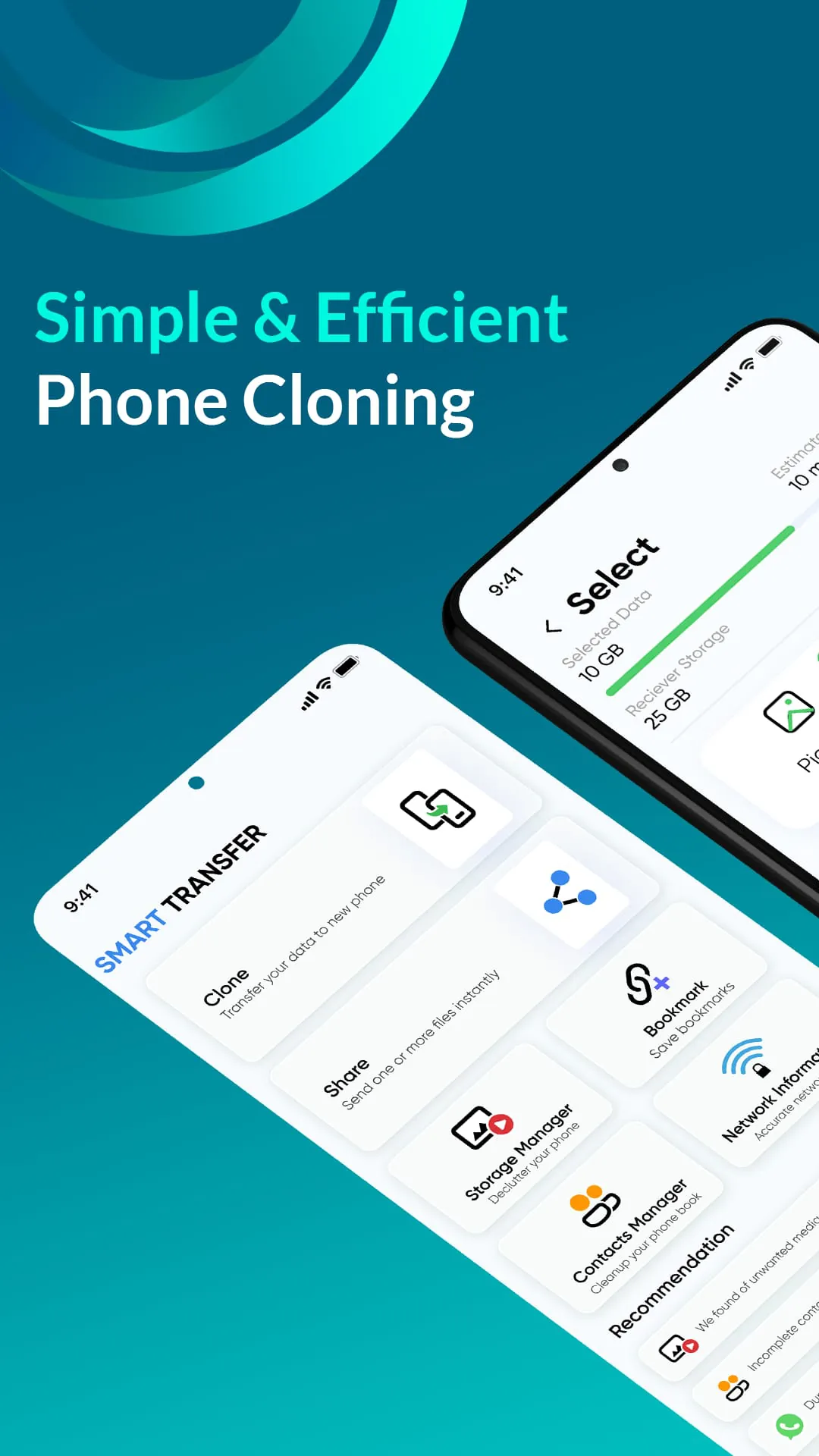
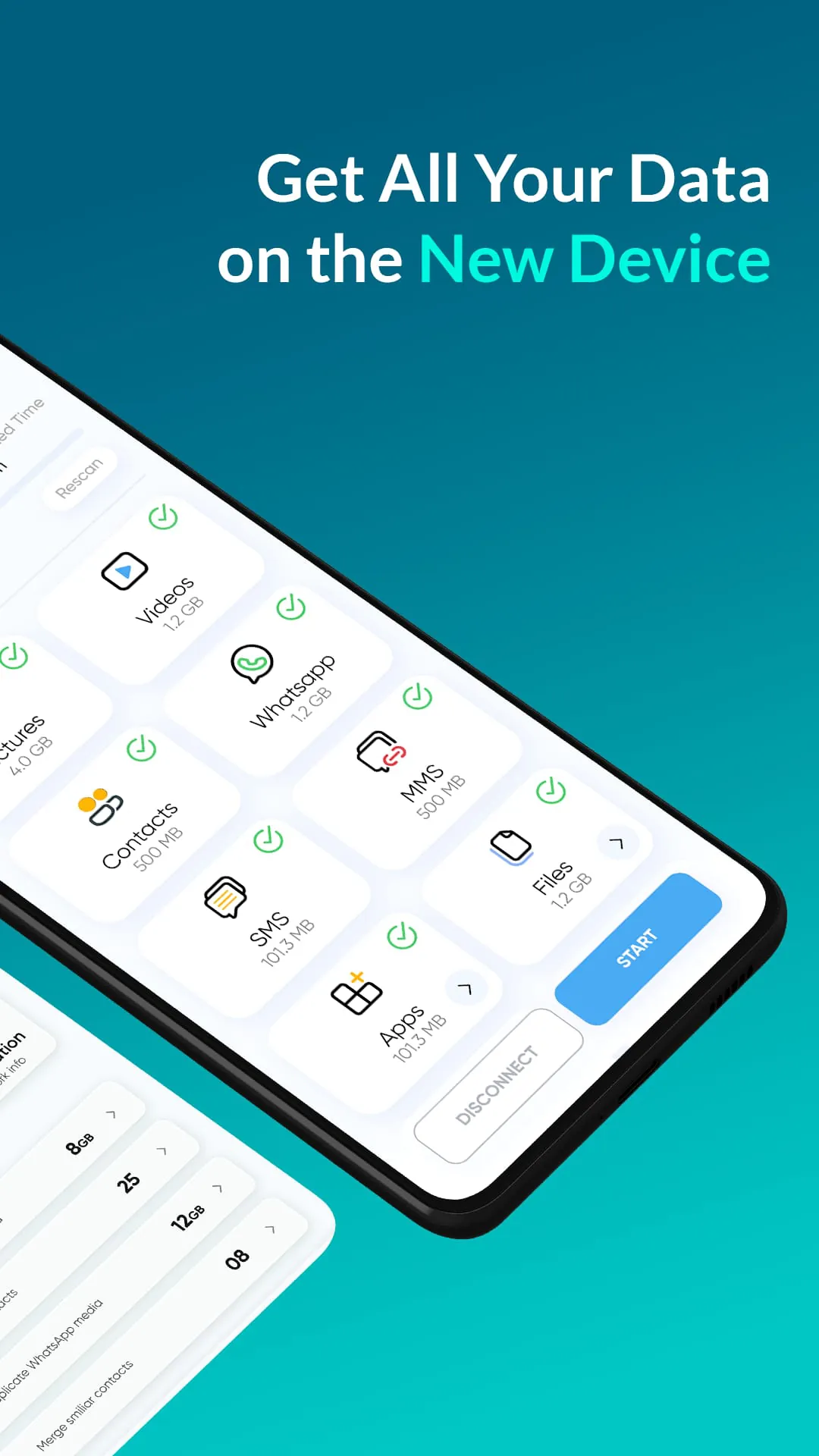
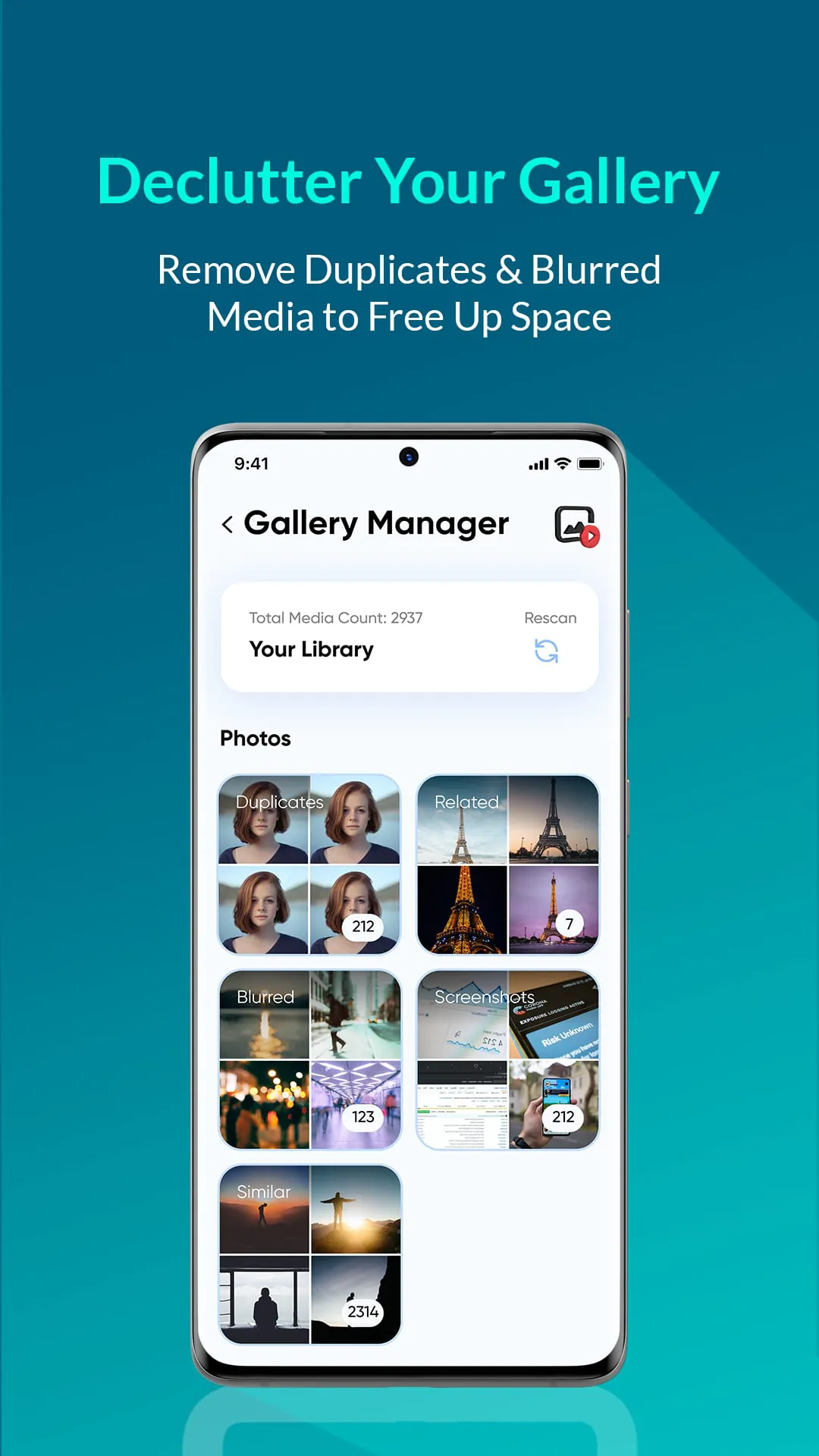
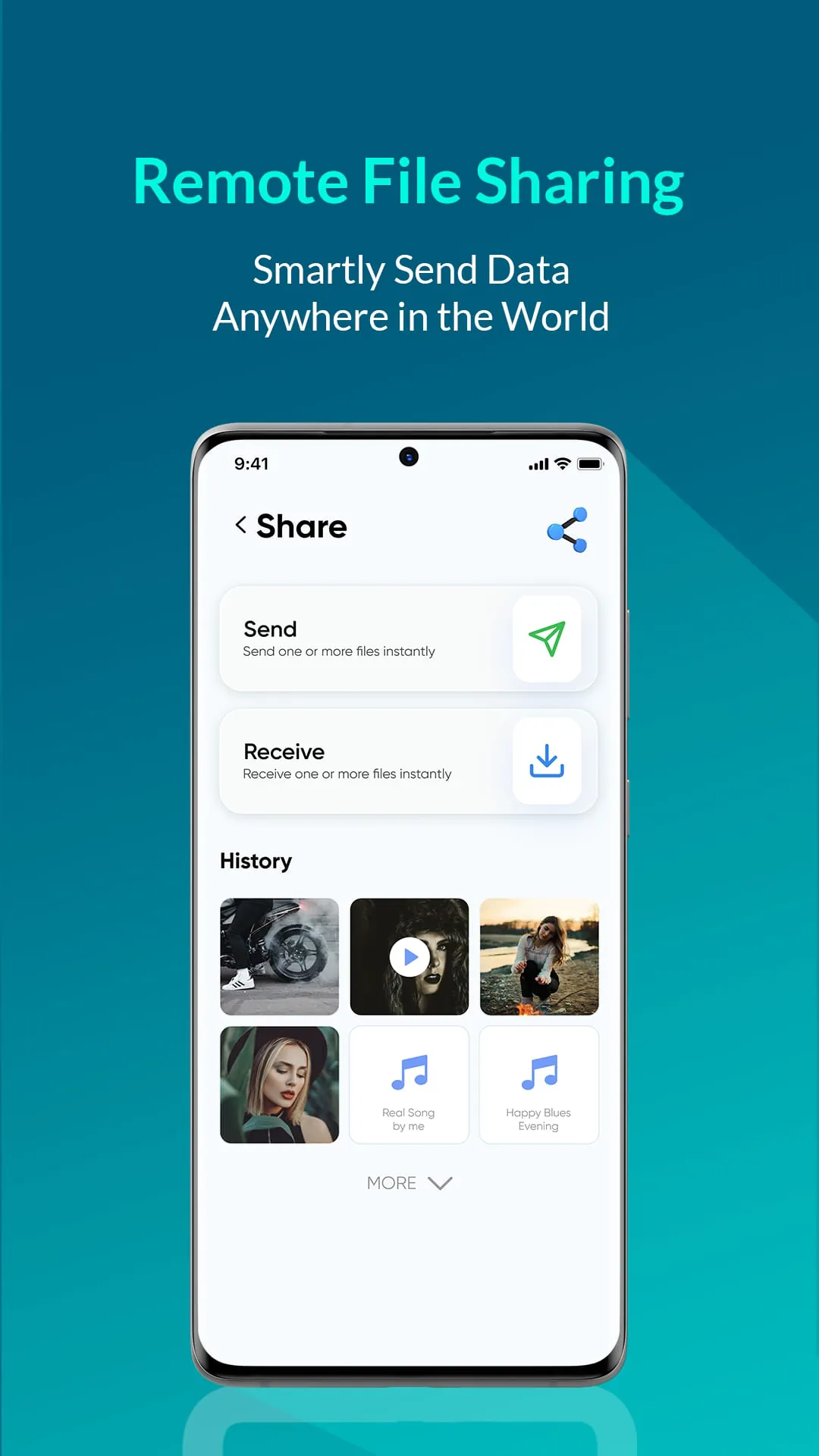
Smart Transfer is a phone data transfer app that offers fast cross-platform transfer speeds. It allows users to transfer various types of data, including music, videos, photos, files, calendars, contacts, settings, and even applications. The app boasts a transfer speed that is times faster than Bluetooth, making it one of the best Wi-Fi and Wi-Fi hotspot file transfer apps available. It supports both Android and iOS devices, eliminating the need for a USB connection or additional software on mobile and PC. With over million users and more than files transferred daily, Smart Transfer is a popular choice for managing and transferring files and data. One of the spotlight features of Smart Transfer is its super-fast file transfer capability. Users can send files, such as party videos, to their friends in seconds, with a maximum speed of Mb/s. The app also offers improved support for Android devices, including compatibility with Android 's scoped storage feature. This ensures safe file transfer for users on Android or higher, while still supporting devices running Android through Android . Smart Transfer allows for unlimited bulk file transfer, enabling users to share files of any size, including photos, music, videos, apps, documents, and more. Smart Transfer stands out by offering a wireless and data-free transfer experience. Users can send files to their friends from anywhere and at any time, without the need for internet connectivity or data usage. The app supports multiple file formats, allowing users to move documents, music, pictures, videos, and even apps to their phones. It also offers a convenient smart phone cloning feature, making it easy to transfer all data from an old phone to a new one in a single step. Additionally, Smart Transfer serves as a media organizer and manager, allowing users to make backup copies, view, move, or delete received files. The app also supports SMS and MMS message transfer, making it easy to transfer old messages to a new phone. Smart Transfer is available in multiple languages, including English, German, Spanish, Chinese, French, Indonesian, Italian, Japanese, Korean, Portuguese, Russian, and more.

All Versions

V3.7.0

Updated: 2025-3-7

28.87 MB

V3.4.7

Updated: 2024-5-17

39.11 MB

V3.4.1

Updated: 2024-3-22

38.78 MB

V3.4.0

Updated: 2024-2-8

38.75 MB

V3.1.2

Updated: 2023-7-26

33.69 MB

V3.1.0-dev

Updated: 2023-7-7

33.55 MB

V3.1.0

Updated: 2023-6-27

33.55 MB

V2.4.134

Updated: 2023-4-18

14.81 MB

V2.4.103

Updated: 2022-10-25

13.37 MB

V2.4.82

Updated: 2022-2-18

13.9 MB

Summary Of User Reviews

Bea Z
Bea Z
February 5, 2022
Simple to use, I would recommend. My only gripes are that it does not install the apps automatically for you, though it does bring you straight to the install page on Google Play, which is still more convenient than having to look through both phones and search. It also plays an ad after every category, so this is not a set-it-and-forget-it app, but it was much more efficient than one I tried that was Bluetooth based, so I'm not too bothered about that. It also doesn't move over texts.
Eric Branish
Eric Branish
August 8, 2021
Great product for being free. I tried using Smart Switch and it kept freezing so I downloaded this app and was relieved to have something that works. It did take a long time to transfer all my content, but it worked. That is why my star rating is lower and the fact that after each category their is an ad. Not recommended to sleep on because you will wake up to an ad that you haven't clicked out of and will still have to continue transferring your old phones files.
Dean Tersigni
Dean Tersigni
August 1, 2024
It does what it said it will do, but it forces to you watch ads during the entire process which halts the transfer. After you watch the ads and close them, it continues. This ended up doubling the time to transfer. It also doesn't load any of your apps, so you'll still have to do that manually. I've used better free transfer apps that use far fewer ads and so transfer all your apps. Not worth your time.