
HomeSony | Music Center
Sony | Music Center

Sony | Music Center

Everyone
Rating
V7.3.0
Version
10M+
Installs
4.40
3.1k + Reviews
1
7%
2
2%
3
5%
4
12%
5
74%

Review By AppsWm

Sony | Music CenterSony | Music CenterSony | Music CenterSony | Music Center

Magic Points

The core magic of this application lies in its ability to unify various audio sources and devices into a single, manageable ecosystem. It acts as a central hub, simplifying the control and playback of music across different Sony devices. This creates a seamless and intuitive experience for users invested in the Sony audio ecosystem.

Wonder Features

Device Aggregation

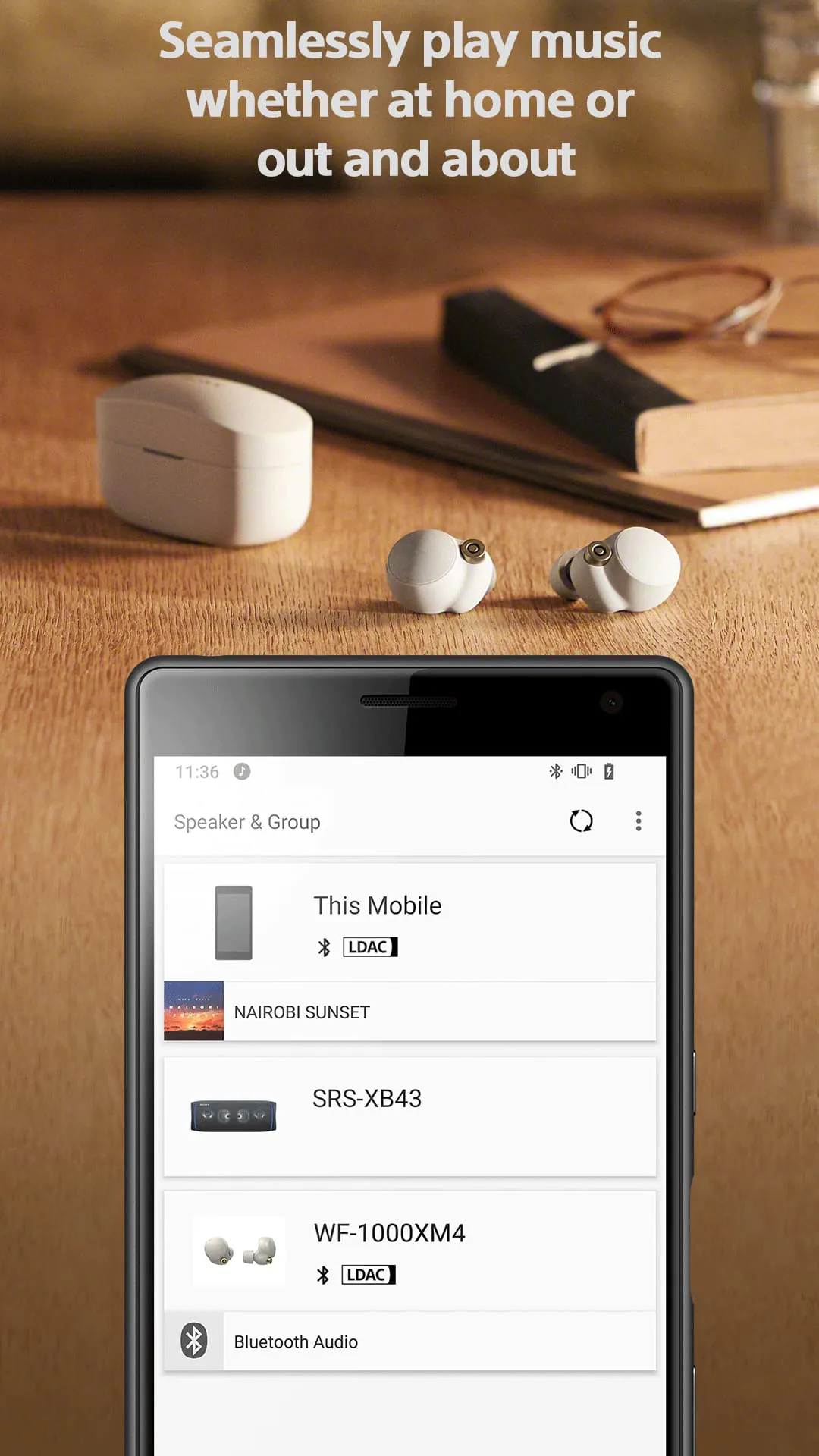
The application seamlessly connects to a wide array of Sony audio devices, including headphones, speakers, and AV receivers. This integration allows for centralized control of volume, playback, and settings across all connected devices.

High-Resolution Audio Support

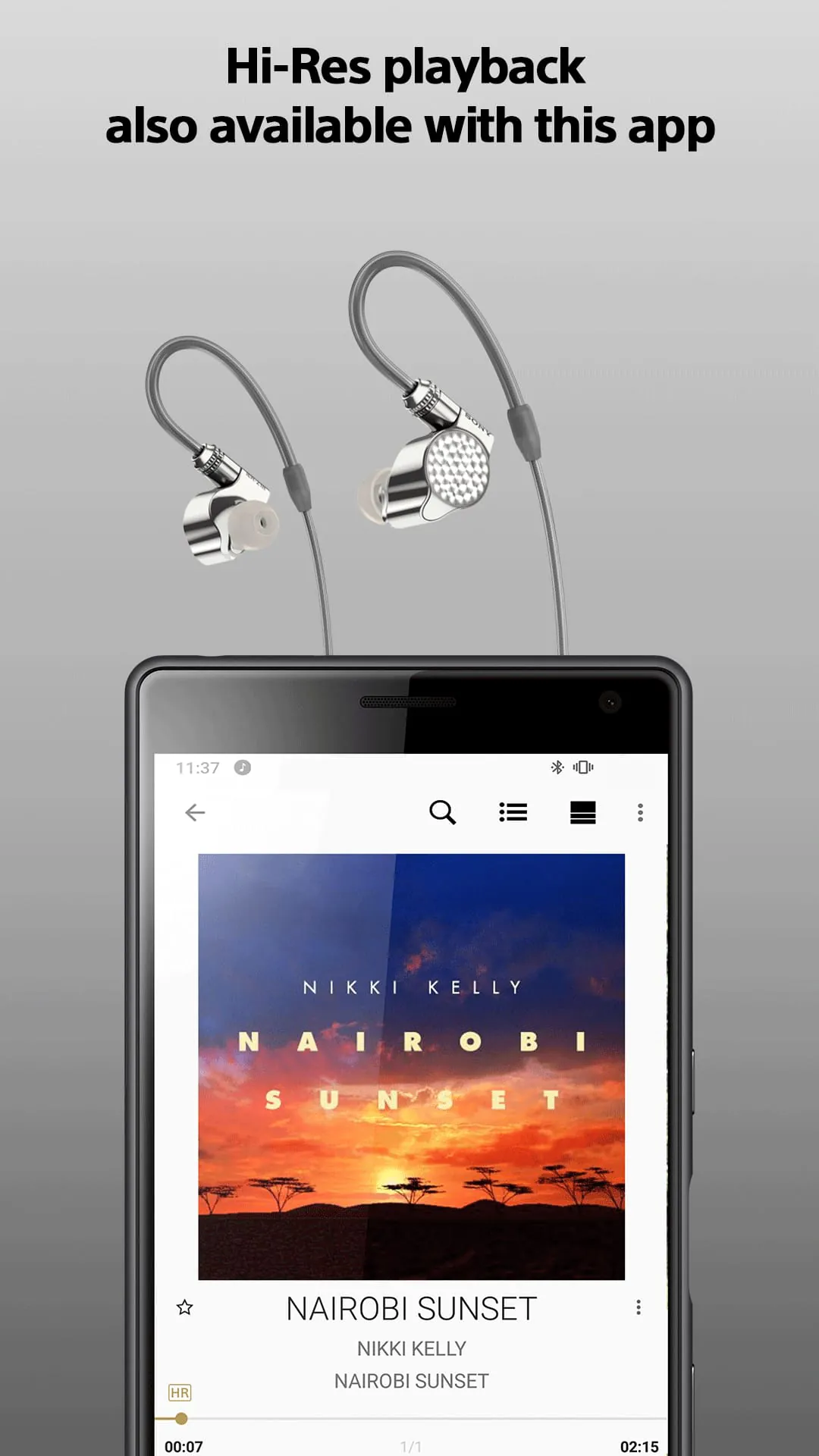
A key wonder is the robust support for high-resolution audio formats. Users can enjoy their music in pristine quality, provided they have compatible devices and audio files. This elevates the listening experience significantly.

Enchantment Paths
  • Easy Setup: The initial setup is designed to be straightforward, guiding users through the process of connecting their Sony devices.
  • Customizable Settings: Users can fine-tune audio settings to match their preferences and listening environment. This includes EQ adjustments and sound field settings (if supported by the connected device).

Marvel Moments

A true marvel is the multi-room audio capability. Users can group multiple speakers together to play the same music throughout their home.

This creates a synchronized and immersive audio experience.

Description

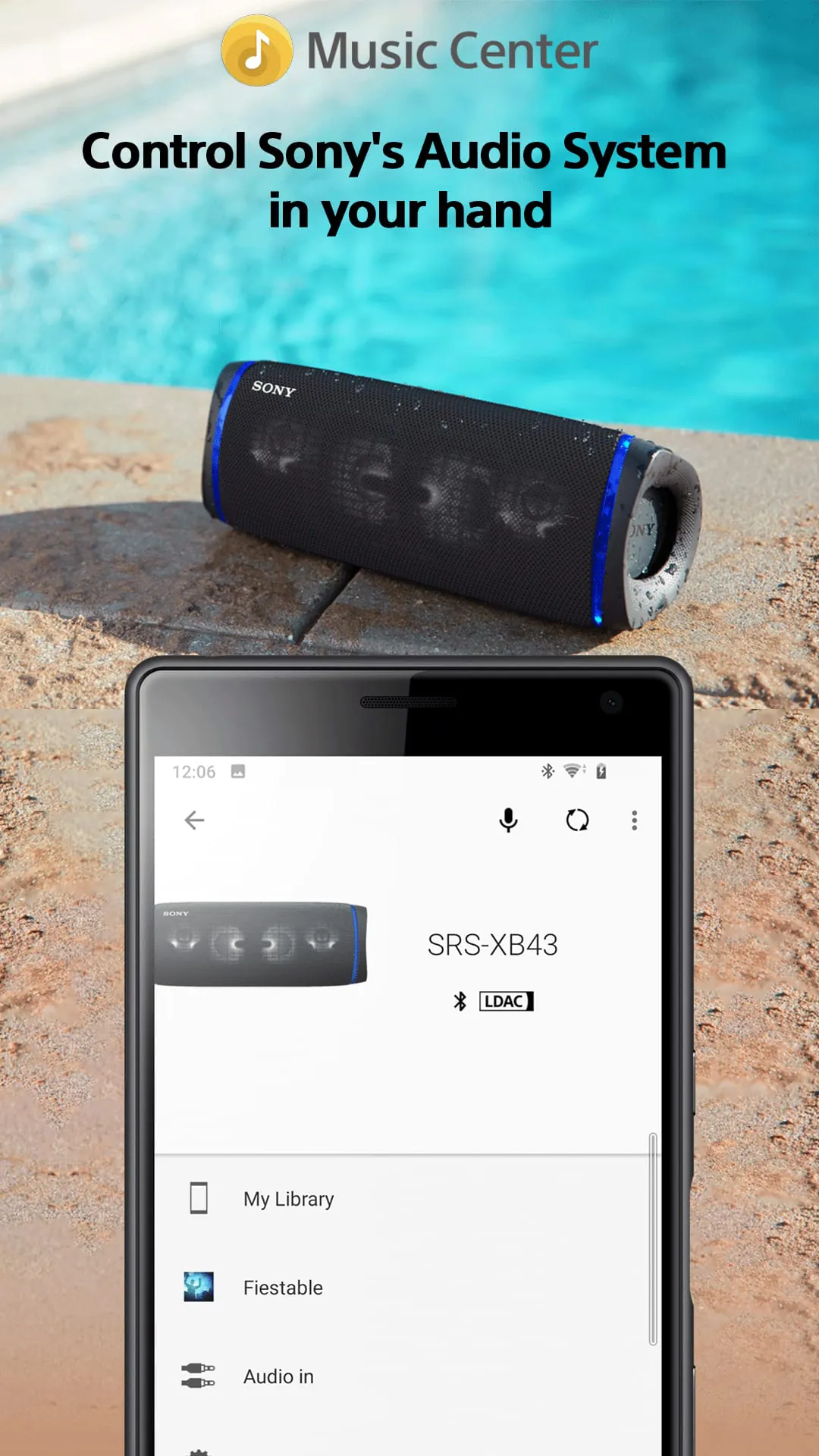
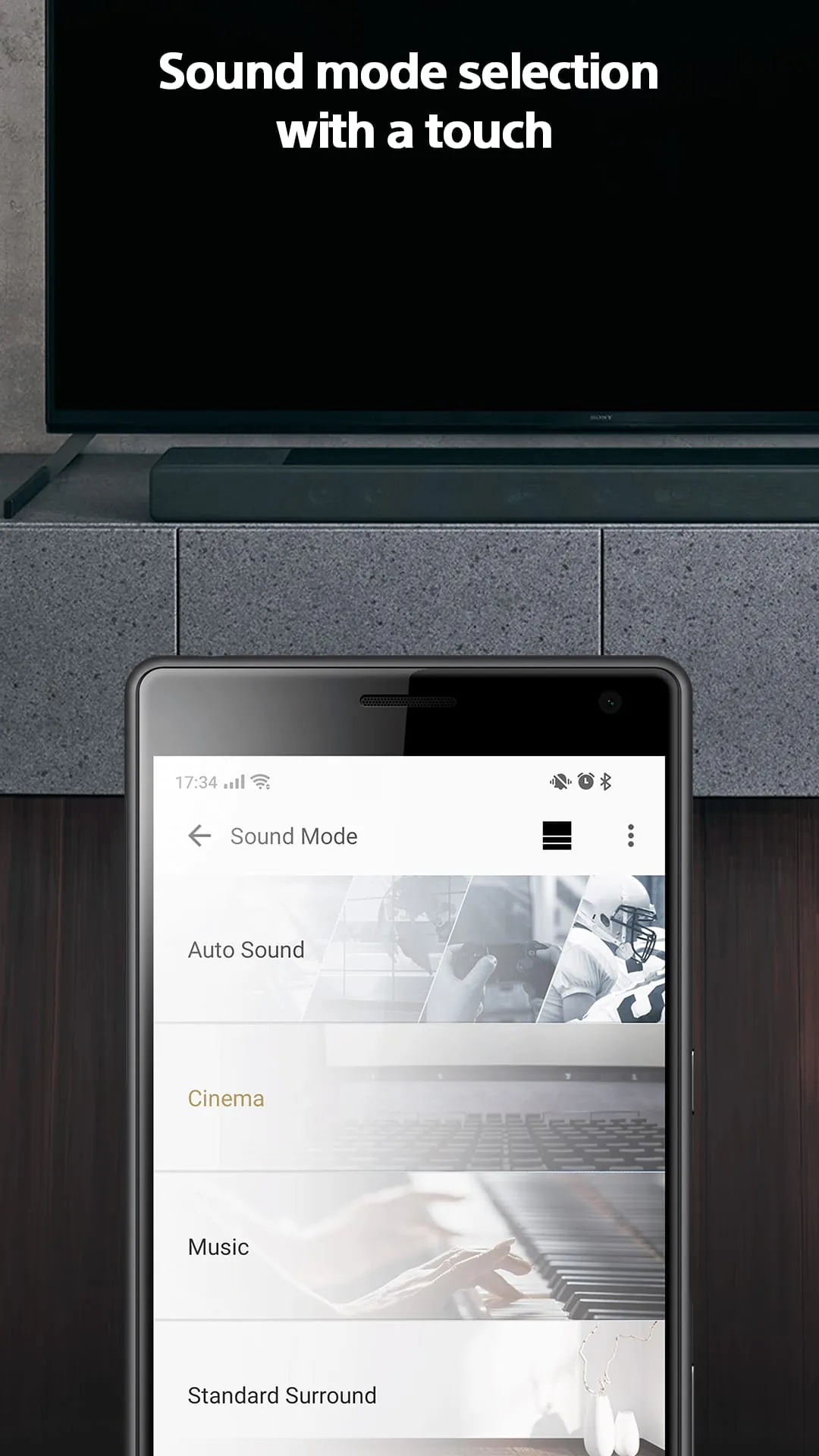
The Sony l Music Center app is designed to enhance your music listening experience. With this app, you can enjoy Hi-Res sound sources in excellent audio quality, whether you're at home or on the go. It allows you to connect to other Sony audio devices and optimize the sound settings for each individual device, creating the best possible sound field. To use the control function of audio devices, you need an audio device compatible with Sony | Music Center. You can check the compatibility of your audio products on the support site. The main features of the Sony l Music Center app include the ability to playback music, including Hi-Res tracks, on your smartphone. You can also play music from CD, USB, and your smartphone. The app allows you to access music stored on your computer or NAS drive through the network. You can also set up multi-room, surround, and stereo wirelessly with multiple speakers. Additionally, you can change settings on the audio device, such as the equalizer, sleep timer, and network settings, among others. Please note that some features may be limited to compatible devices. It's important to note that the Sony l Music Center app does not support Atom™ processor-based mobile devices. With the update to version 5.2, the app will no longer be compatible with certain models, including STR-DN850, STR-DN1050, ICF-CS20BT, and XDR-DS21BT. Some features and services may not be available in certain regions or countries, so it's recommended to update the app to the latest version. The app requires certain permissions, such as retrieving running apps, accessing protected storage, recording audio, viewing Wi-Fi connections, and reading device status and identity. These permissions are necessary for the app to function properly.

All Versions

V7.3.0

Updated: 2023-12-4

67.14 MB

V7.2.0

Updated: 2023-7-25

67 MB

V7.1.1

Updated: 2023-5-10

63.82 MB

V6.7.1

Updated: 2022-10-26

62.24 MB

V6.3.0

Updated: 2022-3-23

60.3 MB

V6.2.3

Updated: 2021-12-15

60.3 MB

V6.2.2

Updated: 2021-10-26

60.2 MB

V6.2.1

Updated: 2021-9-29

59.3 MB

V6.2.0

Updated: 2021-9-15

59.0 MB

Summary Of User Reviews

Shaun Damon Hagler
Shaun Damon Hagler
February 12, 2026
Does not allow my two Sony speakers to sync up, despite telling me it is the only way, to do so. Wow, Sony. and Music Center, just, wow. I attempted to do so earlier in the day, for me hours later after trying to notify me of a needed update...amd after taking an incredibly long time to update...the sync/party function still does not work. Did I say, wow Sony and Music Center...let me say it again and, pun intended, sound like a broken record or scratched CD. Yes, I am that old. 🤣🤣🤣🤬
Caleb Rose
Caleb Rose
August 29, 2022
Overall, I really like the app! If i could suggest a change that would essentially make this the perfect app in my opinion: 1. Currently, when you select "genre" it only lists all the tracks in that genre. I tend to brows by genre a lot so it would be so nice to be able to tap the genre button and have the option of browsing albums, or artists within the genre instead of all the tracks which is very cluttered to navigate. Hopefully you can take this into considerstion for a future update:)
Dan W.
Dan W.
March 31, 2024
Well Sony, new phone and the app can't find the licence agreement and I can't skip that step. So, I'm 'locked out' until you fix this. I don't care about your license, I just want to change the equalizer. In your insistance to present the agreement in real-time, you are letting customers down. Either ensure 100% uptime of the licensing server, or use a stored copy.