Essential Elements
This application focuses on a single, core function: measuring sound pressure levels. It eschews unnecessary features, providing a direct and uncomplicated experience for users seeking accurate decibel readings.
Clean Design Choices
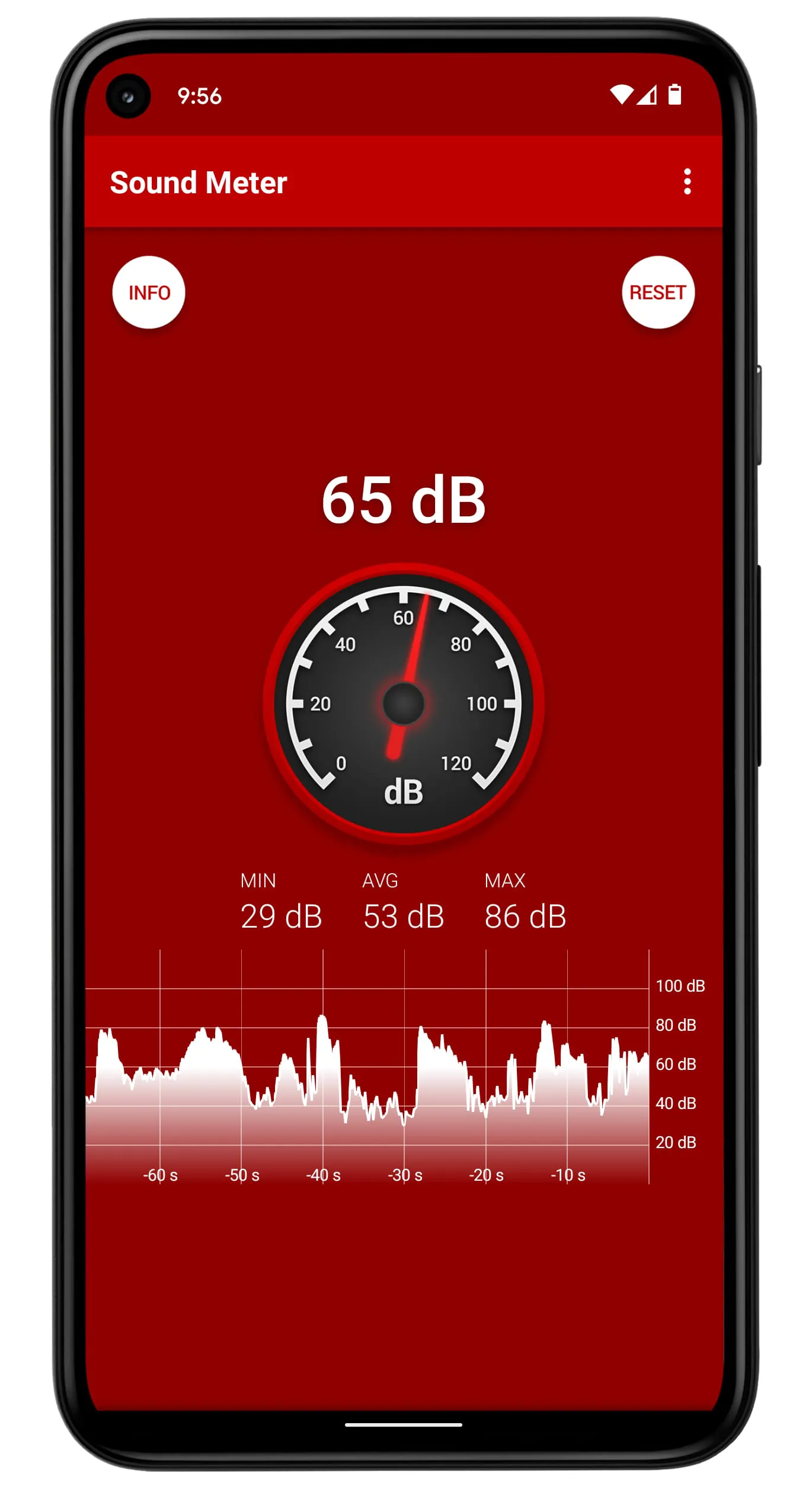
The interface prioritizes clarity. A large, easily readable decibel meter dominates the display, supplemented by minimal controls. Color-coding provides immediate feedback on noise levels, reducing cognitive load.
-
Visual simplicity enhances usability.
-
Intuitive layout requires minimal learning.
Focused Functionality
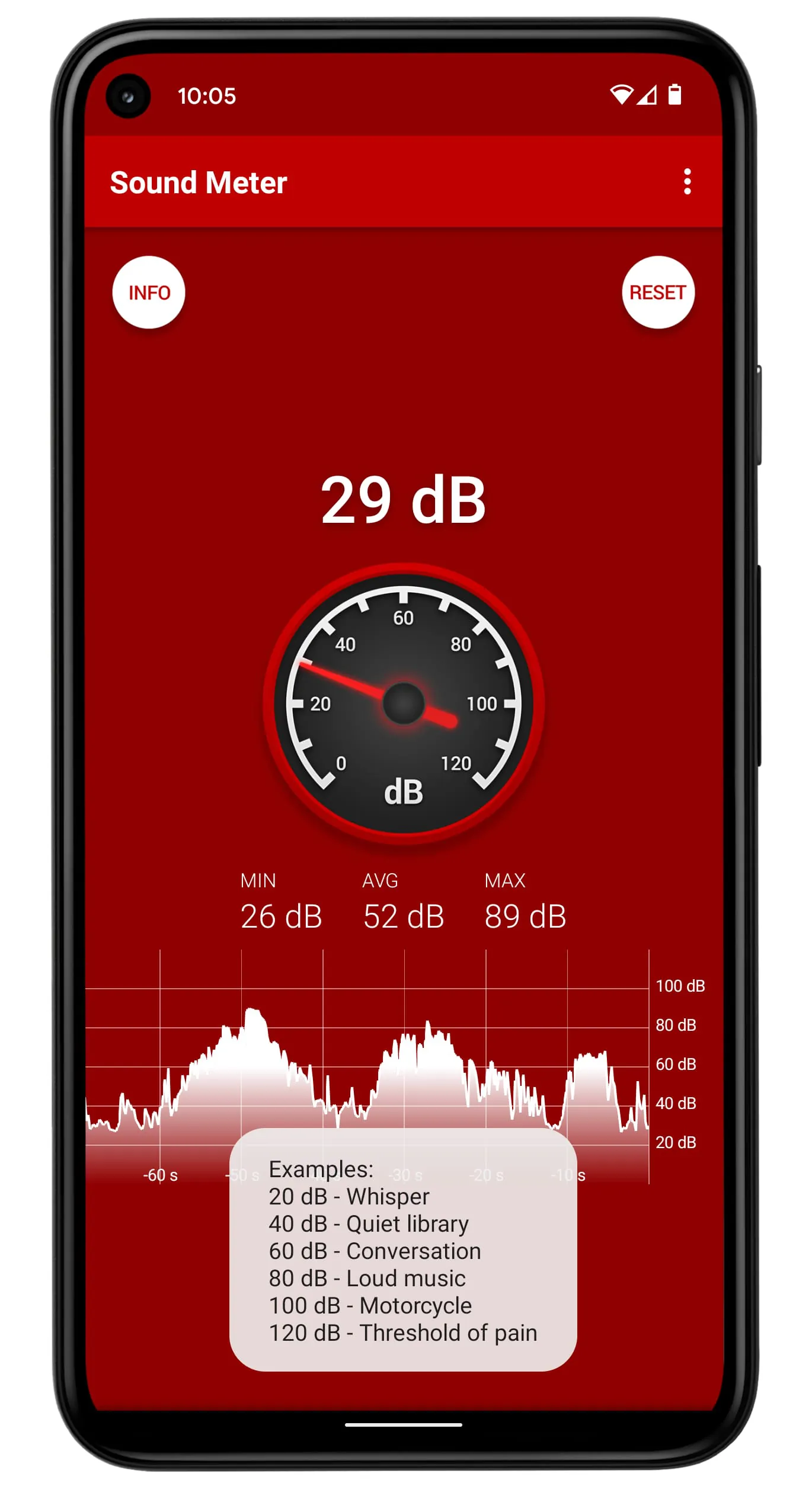
The primary feature is real-time decibel measurement. It allows for quick assessments of sound levels in various environments. Additional features, like recording and calibration options, are present but remain secondary to the core functionality.
Real-time Decibel Measurement
Provides immediate and accurate sound level readings.
Purposeful Features
Calibration options enhance accuracy by allowing users to adjust the app to their specific device and environment. Recording functionality provides a simple way to document sound levels over time. These additions directly support the primary goal of accurate sound measurement.
-
Calibration enhances measurement precision.
-
Recording captures sound level trends.
Elegant Solutions
By focusing on a singular purpose and employing a streamlined design, this application exemplifies simplicity. It provides an effective tool for sound measurement without overwhelming the user with extraneous features.
Simplicity is the ultimate sophistication.
Overall Simplicity Achievement
The app successfully achieves a high degree of simplicity through its focused functionality, clean design, and purposeful features. It offers a user-friendly solution for sound measurement needs.
The Smart Sound Level Meter app for Android is a useful tool for measuring sound levels. The app uses the built-in microphone of your device to measure the volume of sound in decibels (dB). Additionally, the app displays samples on a graph, making it easy to visualize the sound levels over time.
It is important to note that the microphones in most devices are designed to pick up human voices, and as a result, the maximum values are limited by the hardware. This means that very loud sounds, such as those above 90 dB, may not be recognized by the app. Additionally, some devices use automatic gain control, which can interfere with the operation of the noise meter.
Overall, the Smart Sound Level Meter app is a useful tool for anyone who needs to measure sound levels. Whether you are a musician, sound engineer, or simply want to monitor the noise levels in your environment, this app can help you get the job done.
---
The Smart Sound Level Meter app for Android is a simple and easy-to-use tool for measuring sound levels. The app is designed to use the built-in microphone of your device to measure the volume of sound in decibels (dB). In addition to measuring sound levels, the app also displays samples on a graph, making it easy to visualize the sound levels over time.
It is important to note that the microphones in most devices are designed to pick up human voices, and as a result, the maximum values are limited by the hardware. This means that very loud sounds, such as those above 90 dB, may not be recognized by the app. Additionally, some devices use automatic gain control, which can interfere with the operation of the noise meter.
Overall, the Smart Sound Level Meter app is a useful tool for anyone who needs to measure sound levels. Whether you are a musician, sound engineer, or simply want to monitor the noise levels in your environment, this app can help you get the job done.
---
The Smart Sound Level Meter app for Android is a powerful tool for measuring sound levels. The app uses the built-in microphone of your device to measure the volume of sound in decibels (dB). Additionally, the app displays samples on a graph, making it easy to visualize the sound levels over time.
It is important to note that the microphones in most devices are designed to pick up human voices, and as a result, the maximum values are limited by the hardware. This means that very loud sounds, such as those above 90 dB, may not be recognized by the app. Additionally, some devices use automatic gain control, which can interfere with the operation of the noise meter.
Despite these limitations, the Smart Sound Level Meter app is a useful tool for anyone who needs to measure sound levels. Whether you are a musician, sound engineer, or simply want to monitor the noise levels in your environment, this app can help you get the job done. With its simple and easy-to-use interface, the Smart Sound Level Meter app is a must-have for anyone who needs to measure sound levels on the go.