✨ Awareness Points: Content Consumption
The app presents a vast library of videos tailored for children. However, it’s crucial to be aware of the
potential
for overstimulation. Parents should proactively monitor their children’s viewing habits and set time limits to encourage balanced activities.
🌿 Present Moments: Engaging Content
The colorful and engaging content can captivate children's attention, bringing them into the present moment. However, prolonged engagement can detract from other enriching experiences. Encouraging mindful viewing—discussing the content and relating it to their own experiences—can enhance the present moment.
🧠 Conscious Features: Parental Controls
Parental Controls
The app's parental controls are a conscious design choice, allowing parents to curate content and set viewing limits. This feature supports intentional technology use by enabling parents to actively shape their children's digital experiences. Research indicates these features are vital for promoting healthy tech habits. Setting custom passcodes and timers can promote conscious screen time management.
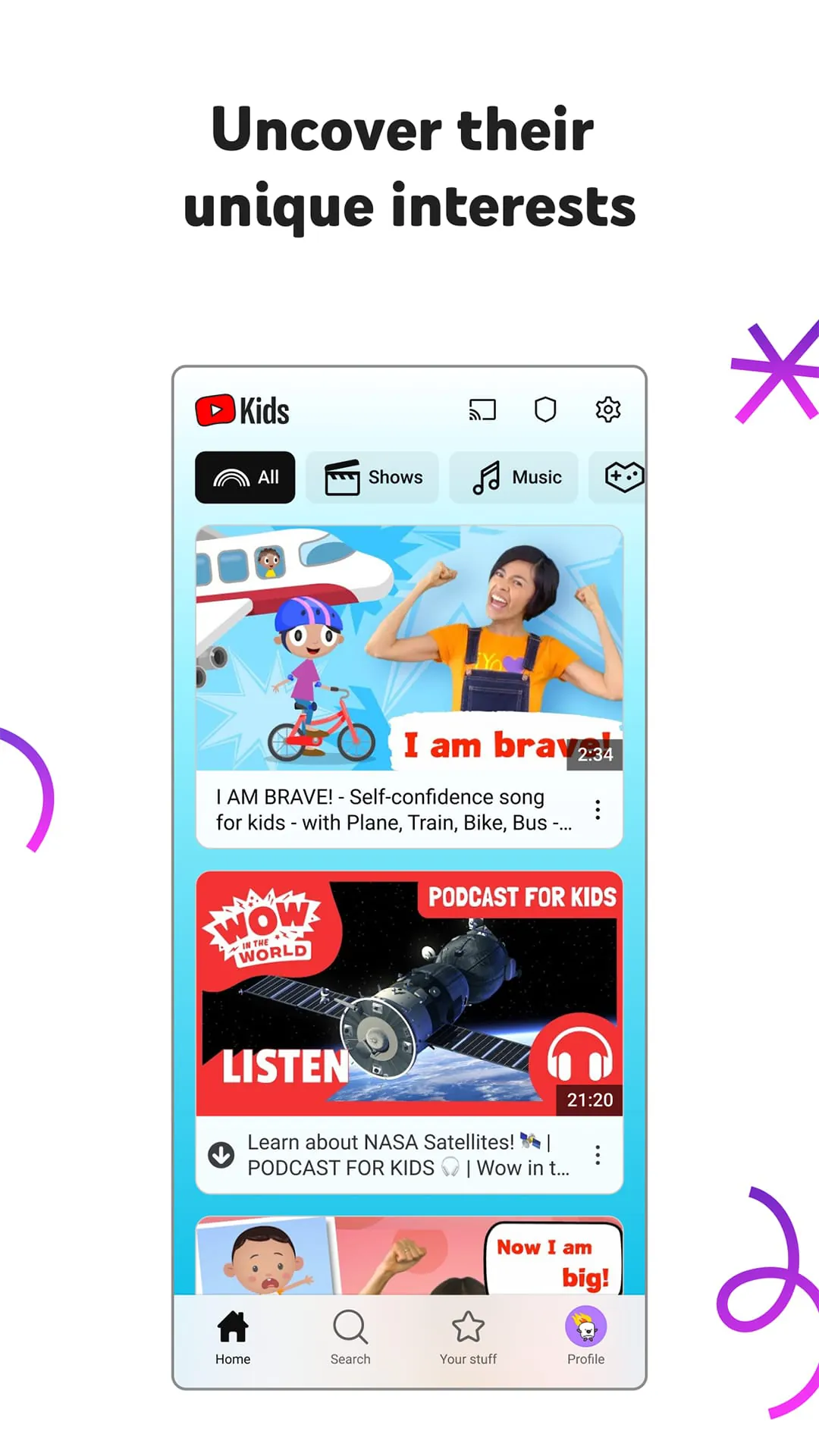
YouTube Kids is a video app designed specifically for kids, providing a more contained environment filled with family-friendly videos on all different topics. The app aims to ignite kids’ inner creativity and playfulness, while parents and caregivers can guide the journey as their kids discover new and exciting interests along the way. The app offers a library filled with family-friendly videos on all different topics, from favorite shows and music to learning how to build a model volcano or make slime.
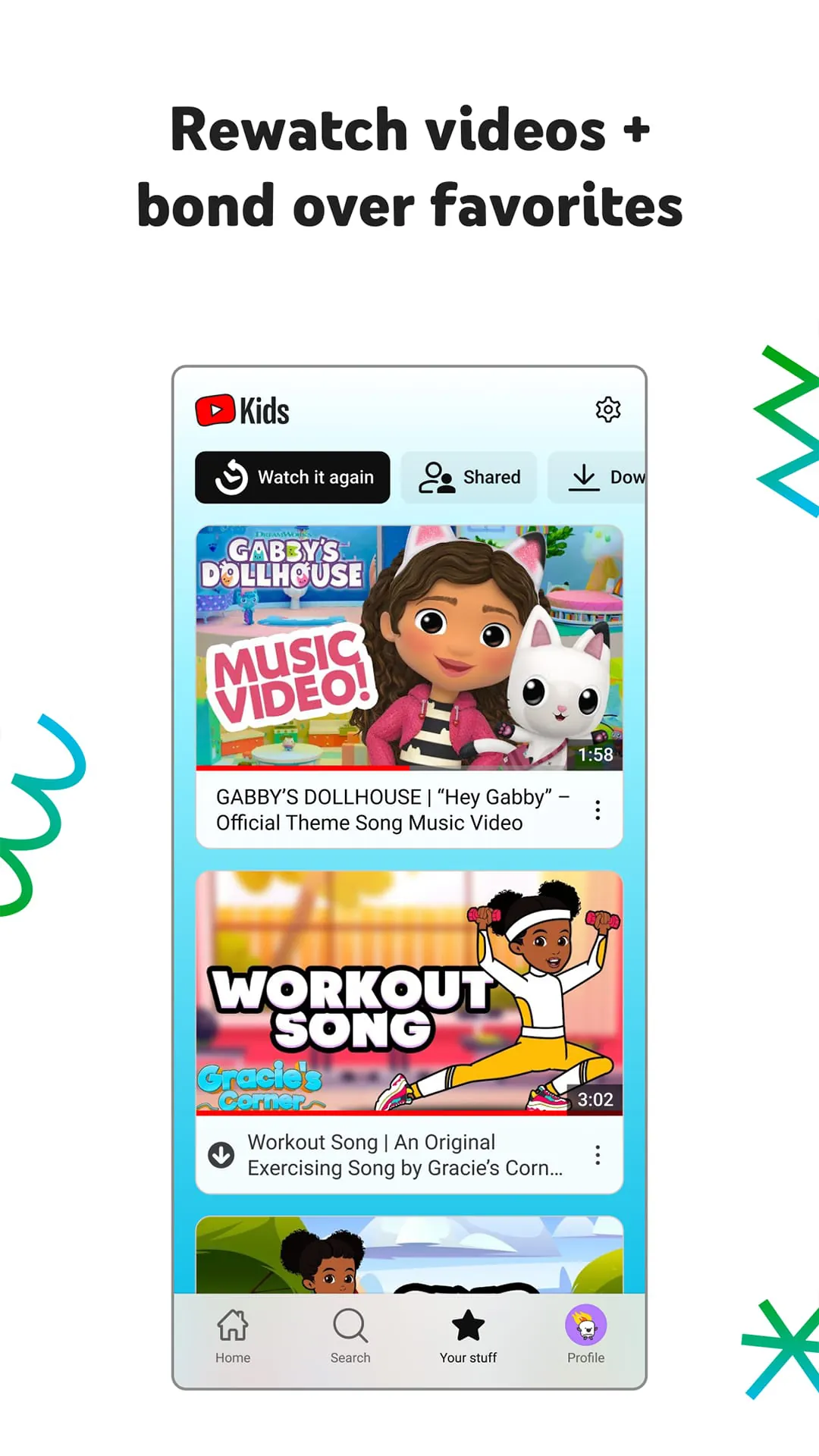
To ensure a safer online experience for kids, YouTube Kids uses a mix of automated filters built by their engineering teams, human review, and feedback from parents to protect their youngest users online. However, no system is perfect, and inappropriate videos can slip through, so the app is constantly working to improve its safeguards and offer more features to help parents create the right experience for their families. Parents can also customize their child’s experience with parental controls, including limiting screen time, checking the watch it again page, blocking videos or channels, and flagging inappropriate content.
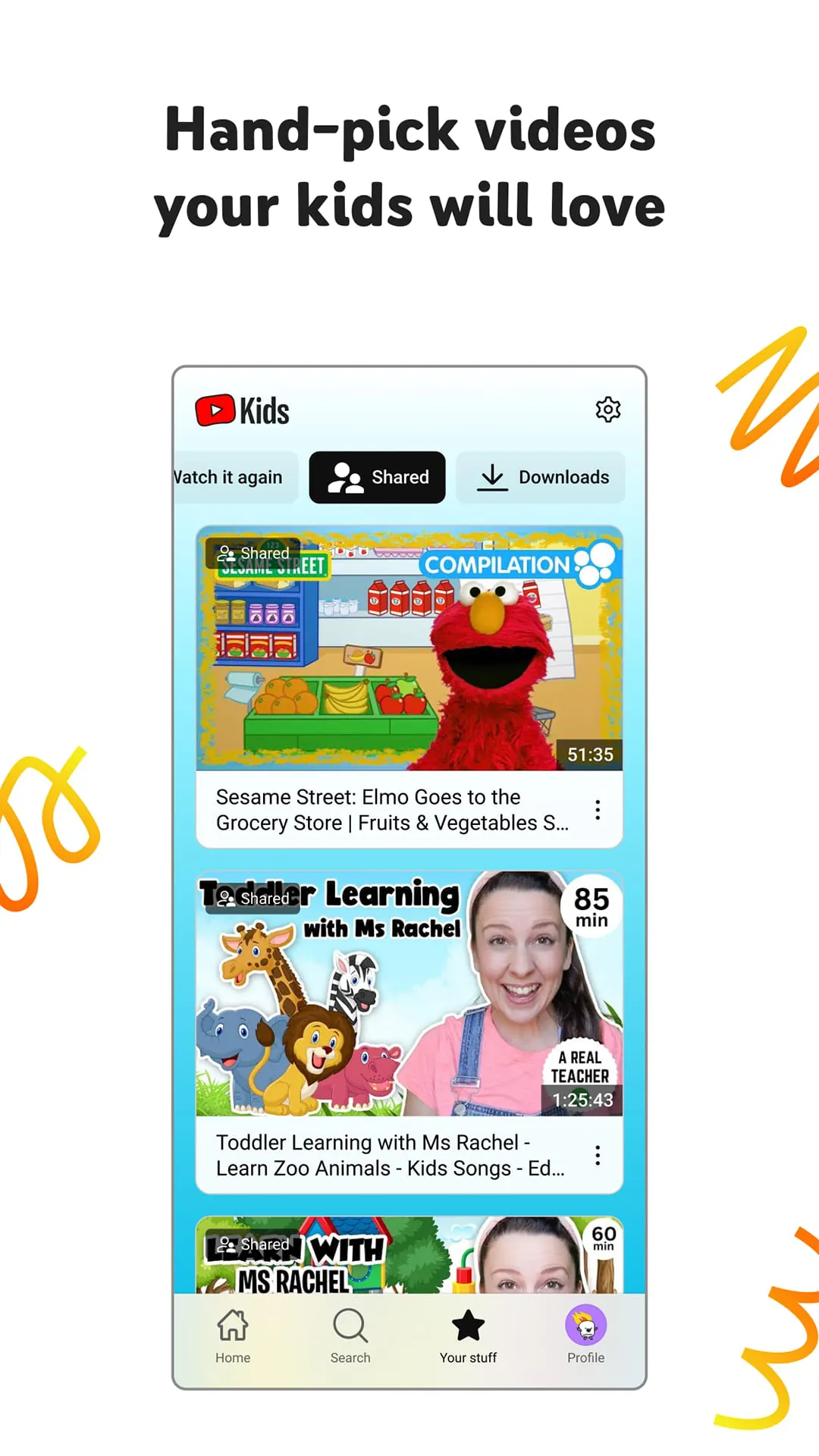
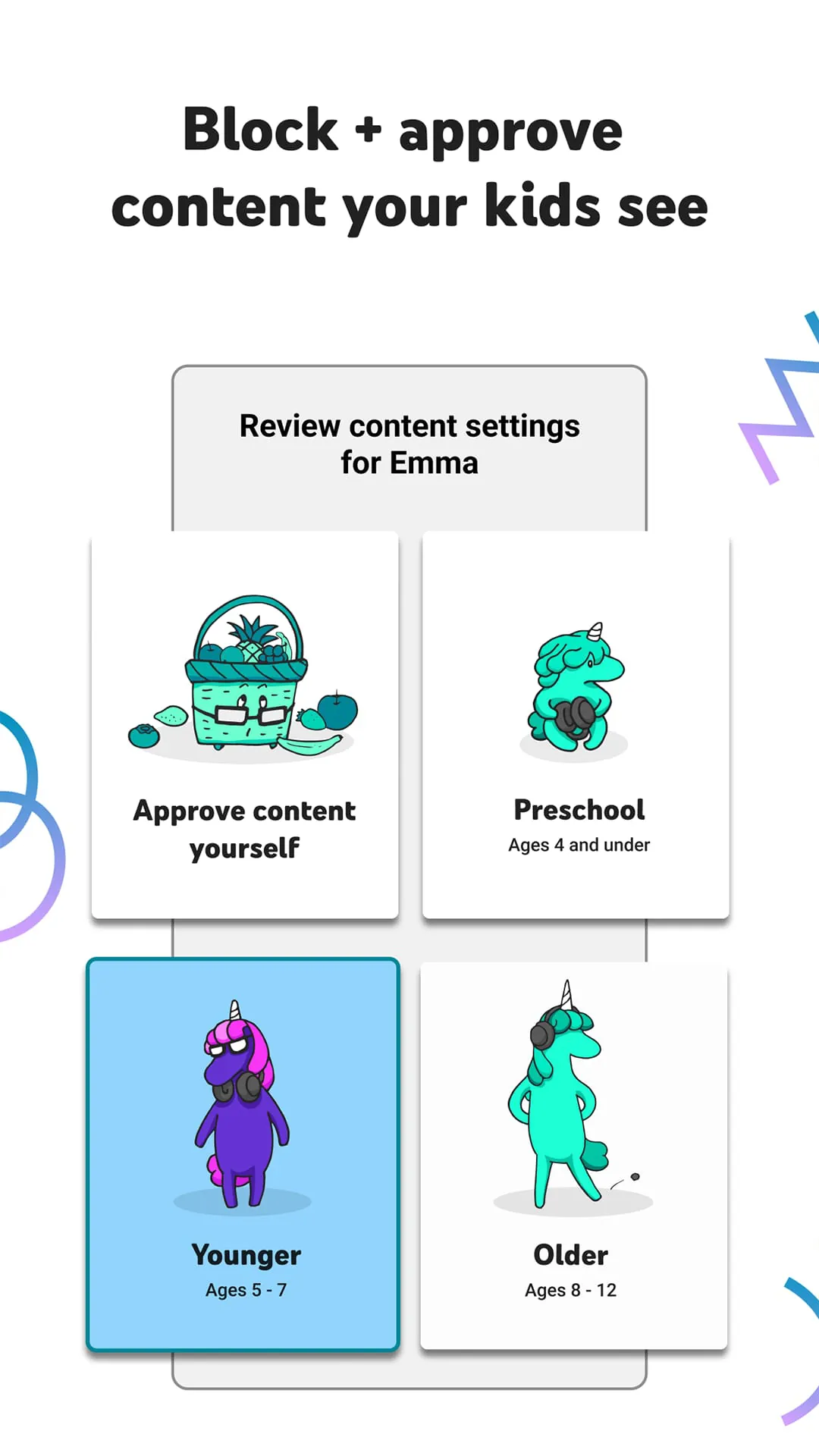
Parents can create up to eight kid profiles, each with their own viewing preferences, video recommendations, and settings. They can choose from “Approved Content Only” mode or select an age category that fits their child, “Preschool”, “Younger”, or “Older”. The “Approved Content Only” mode allows parents to handpick the videos, channels, and/or collections that they’ve approved their child to watch. The “Preschool” mode is designed for kids 4 and under, while the “Younger” mode allows kids 5-8 to explore their interests in a wide variety of topics, and the “Older” mode gives kids 9 and up the chance to search and explore additional content such as popular music and gaming videos for kids.
It is important to note that parental setup is needed to ensure the best experience possible for kids, and that kids may also see videos with commercial content from YouTube creators that are not paid ads. The Privacy Notice for Google Accounts managed with Family Link describes the app’s privacy practices when kids use YouTube Kids with their Google Account. When kids use YouTube Kids without signing into their Google Account, the YouTube Kids Privacy Notice applies.